Available
Android
For Android smartphones and tablets, mobile agents are used.
Download AndroidUse Voxio apps with your account and business services.
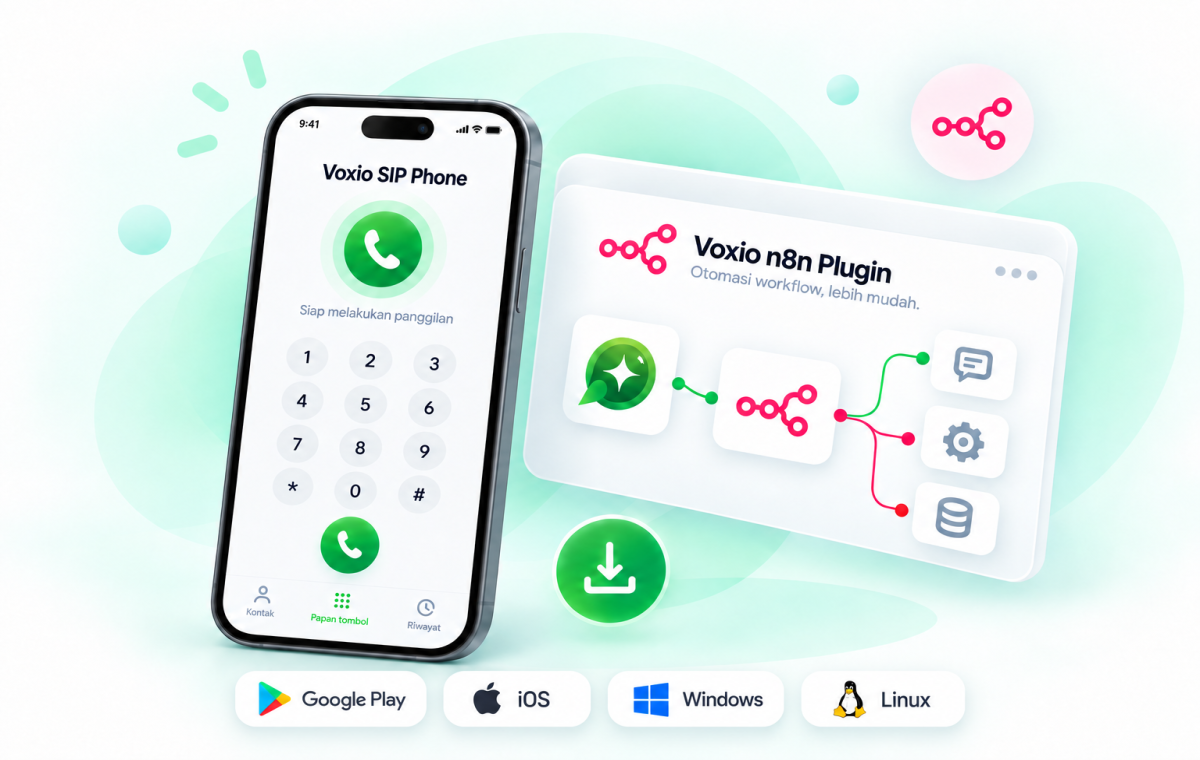
Select your device's operating system. The link is only active once the release package is available and verified by the Voxio team.
For Android smartphones and tablets, mobile agents are used.
Download AndroidDesktop softphone for agent workstations and call center operations.
Build a desktop for Linux workstations with compatible audio devices.
A native desktop experience for teams working on Mac.
Pengalaman native Ipphone untuk tim yang bekerja menggunakan IOS.
Setiap aplikasi dikelola sebagai produk terpisah. Link hanya aktif saat URL rilis valid dan status platform tidak dinonaktifkan.

Voxio Chat Mobile is the mobile app for Voxio, an omnichannel business communication platform. It lets your team manage customer conversations from WhatsApp Official API, Instagram, and Messenger in one place, right from your phone.
4.1.1
Download from Play StoreSetiap aplikasi dikelola sebagai produk terpisah. Link hanya aktif saat URL rilis valid dan status platform tidak dinonaktifkan.
Voxio n8n is the official n8n integration for Voxio Chat, enabling secure automation for messaging, campaigns, customer workflows, and real-time events. It uses OAuth 2.0 with PKCE and Dynamic Client Registration for secure, passwordless authorization between n8n and Voxio. Install it from the n8n community repository or download it from the Voxio Download Center below.
Voxio n8n is the official n8n integration for Voxio Chat, enabling secure automation for messaging, campaigns, customer workflows, and real-time events. It uses OAuth 2.0 with PKCE and Dynamic Client Registration for secure, passwordless authorization between n8n and Voxio. Install it from the n8n community repository or download it from the Voxio Download Center below.
Setiap aplikasi dikelola sebagai produk terpisah. Link hanya aktif saat URL rilis valid dan status platform tidak dinonaktifkan.
The application takes the assignment extension from Voxio and keeps the tenant separation consistent across devices.
Users or agents must be linked to a Cloud PBX extension in the Voxio dashboard.
Use a network that allows SIP/TLS access and RTP media.
Allow microphone access and notifications for two-way audio and incoming calls.
There is no manual input of SIP username or extension password in the normal flow.
Choose the official installer for your device's operating system.
Use your Voxio account or a linked Google account.
The app retrieves provisioning and registers your extension automatically.
The Voxio team can help check device compatibility, assignment extensions, and your call center deployment needs.